The Integrations page
Available onFreeProResearch
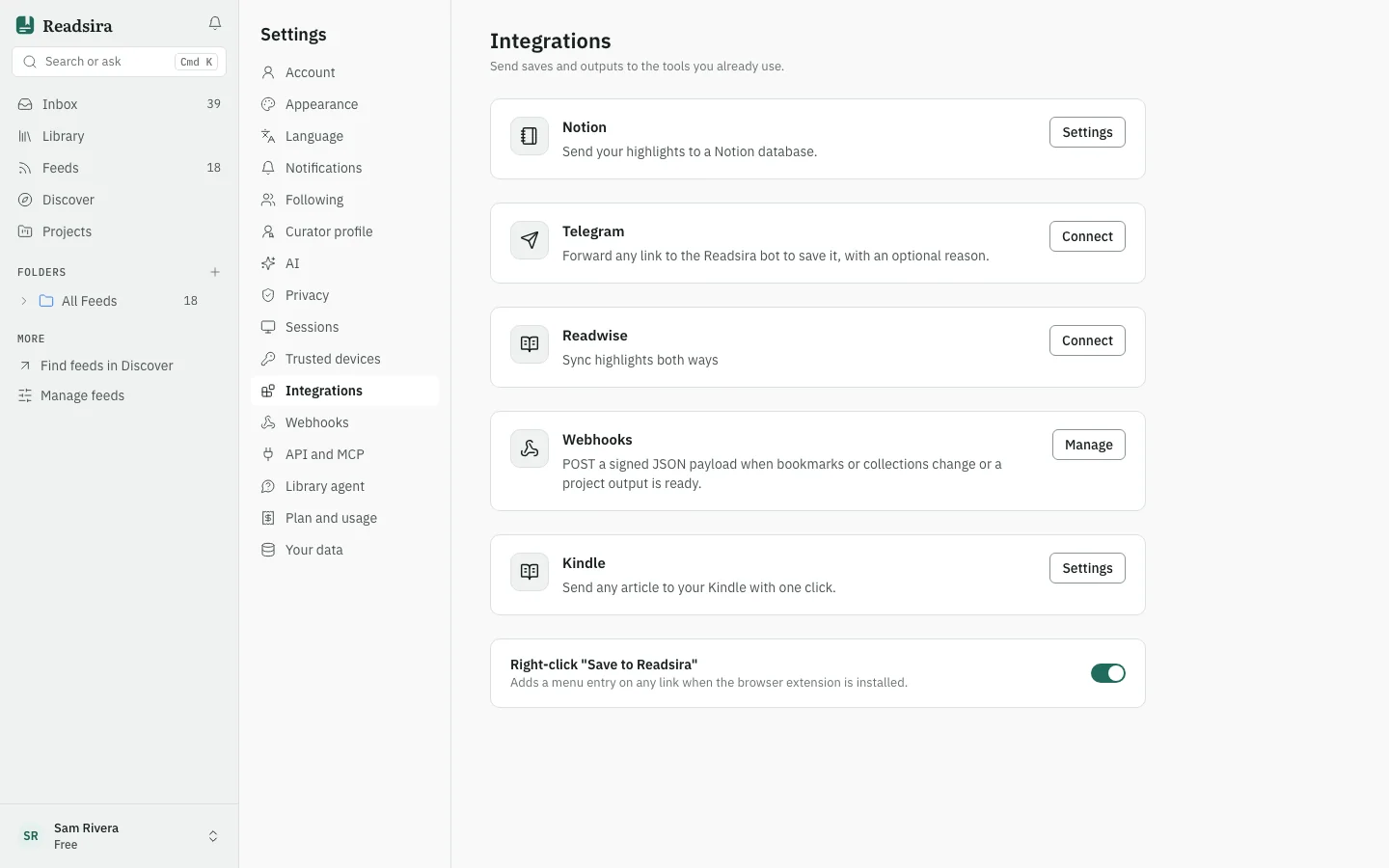
Integrations in Settings is the one place to connect Readsira to other services. Each service has a card with its state and a button to set it up.
Open it
- Open Settings.
- Choose Integrations in the list on the left. You can also open
app.readsira.com/settings?section=integrations.
What you can set up
- Readwise. Sync highlights both ways. Select Connect on the card. See Sync highlights with Readwise.
- Webhooks. Send a signed message to your own web address when your library changes. Select Manage on the card. See Webhooks.
- Right-click save. The switch Right-click "Save to Readsira" adds a menu entry on any link when the browser extension is installed. See Browser extension.
The page can also show cards for other services, such as Notion, Telegram and Kindle. They are not covered in this guide yet.
Two more ways to connect Readsira to other tools are not on this page:
- Connect an MCP client, to use your library from an AI assistant. It is under API and MCP in Settings.
- Reminders in your calendar, under Account.