Reading analytics
Available onFreeProResearch
The analytics page shows what you finished reading and when you save. Only you can see it. Use it to check your habits, find your busiest days and see which topics and sources you read most.
Steps
-
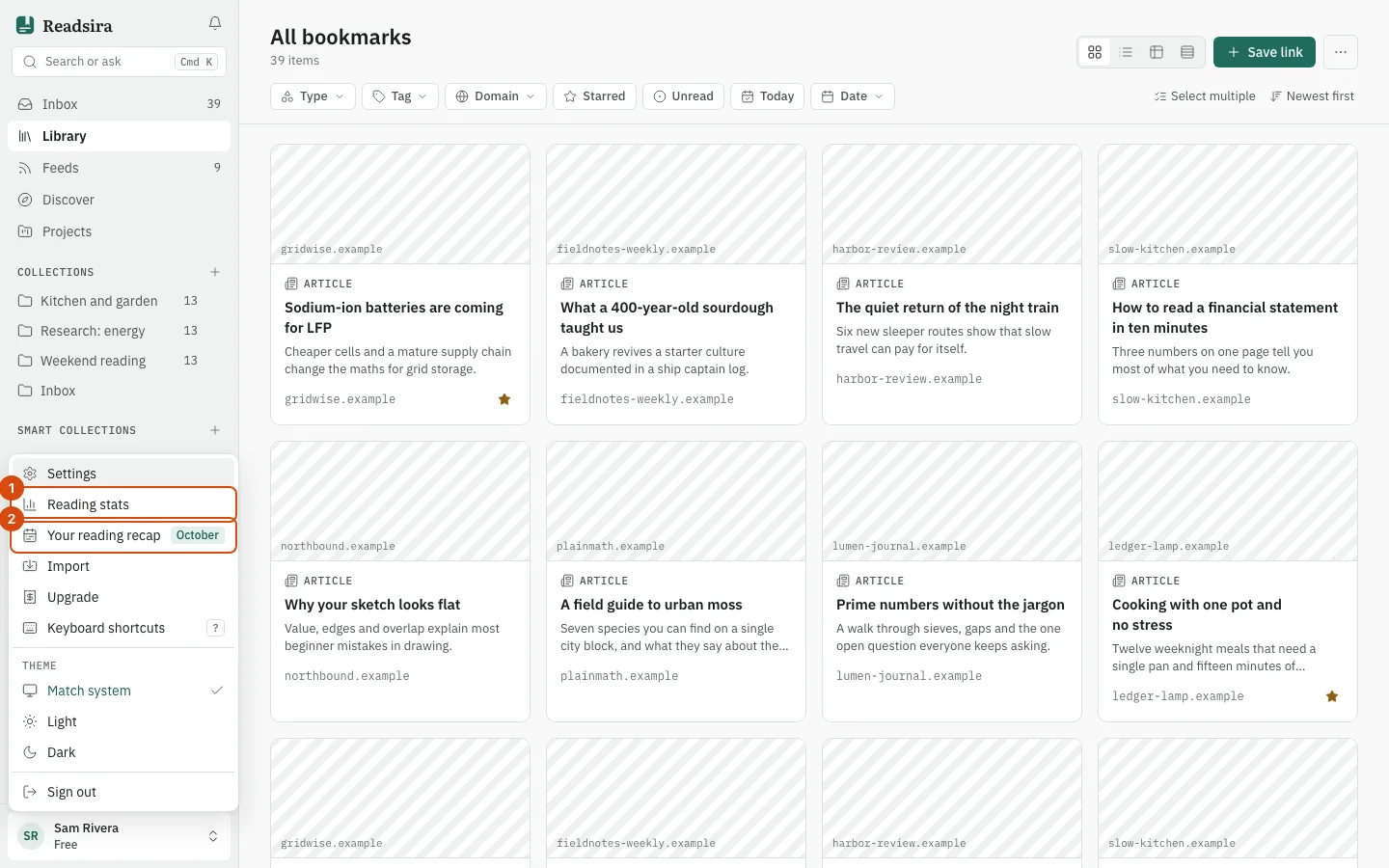
Press your name at the bottom of the sidebar to open the account menu, then choose Reading stats. The page opens on Reading analytics.
-
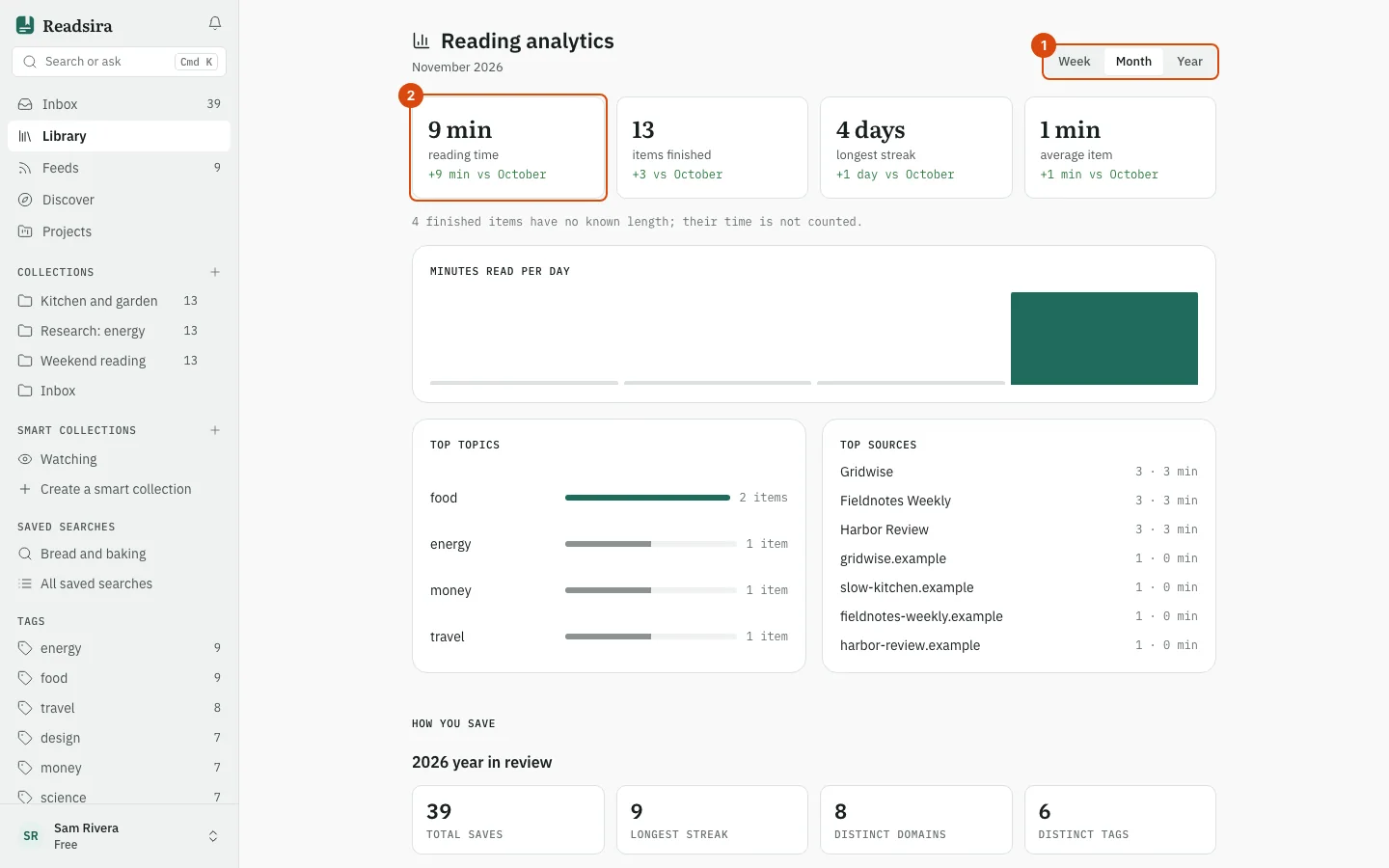
Choose the period with the buttons at the top: Week, Month or Year. The page opens on Month. A week is the last seven days, a month runs from the 1st to today, and a year runs from 1 January to today.
-
Read the four tiles: reading time, items finished, longest streak and average item. Each one is compared with the period before it, for example this week against last week.
-
Look at Minutes read per day for one bar per day, then at Top topics and Top sources. Topics come from the tags you put on your saves, so tag them to see topics here.
-
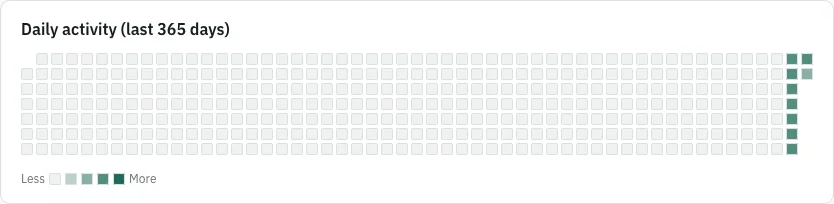
Scroll down to How you save. It shows how many items you saved this year, your longest saving streak, the number of distinct domains and tags, a calendar of your activity for the last 365 days (Daily activity (last 365 days)), your Top domains, and When you save by hour and by day of the week.
What counts as finished
An item counts as finished when you read a feed entry, or when you read a saved article to 90 percent. The day you finish it is the day it counts for.
Reading time adds up only the items whose length Readsira knows. An item without a known length is still counted as finished, but its time is not guessed. The page tells you how many items were left out of the time, for example "1 finished item has no known length; its time is not counted."
Until you finish something, the page shows Not enough reading yet. The saving sections below it work from the day you save your first item.
Tips
- The saving sections are about when you save, not when you read. They do not change with the period buttons.
- Your best streak and your monthly summary are also on your monthly recap.