Ask a project
Available onProResearch
Ask this project works like Ask your library, but the answer uses only the sources of one project, including podcast and video transcripts.
Steps
-
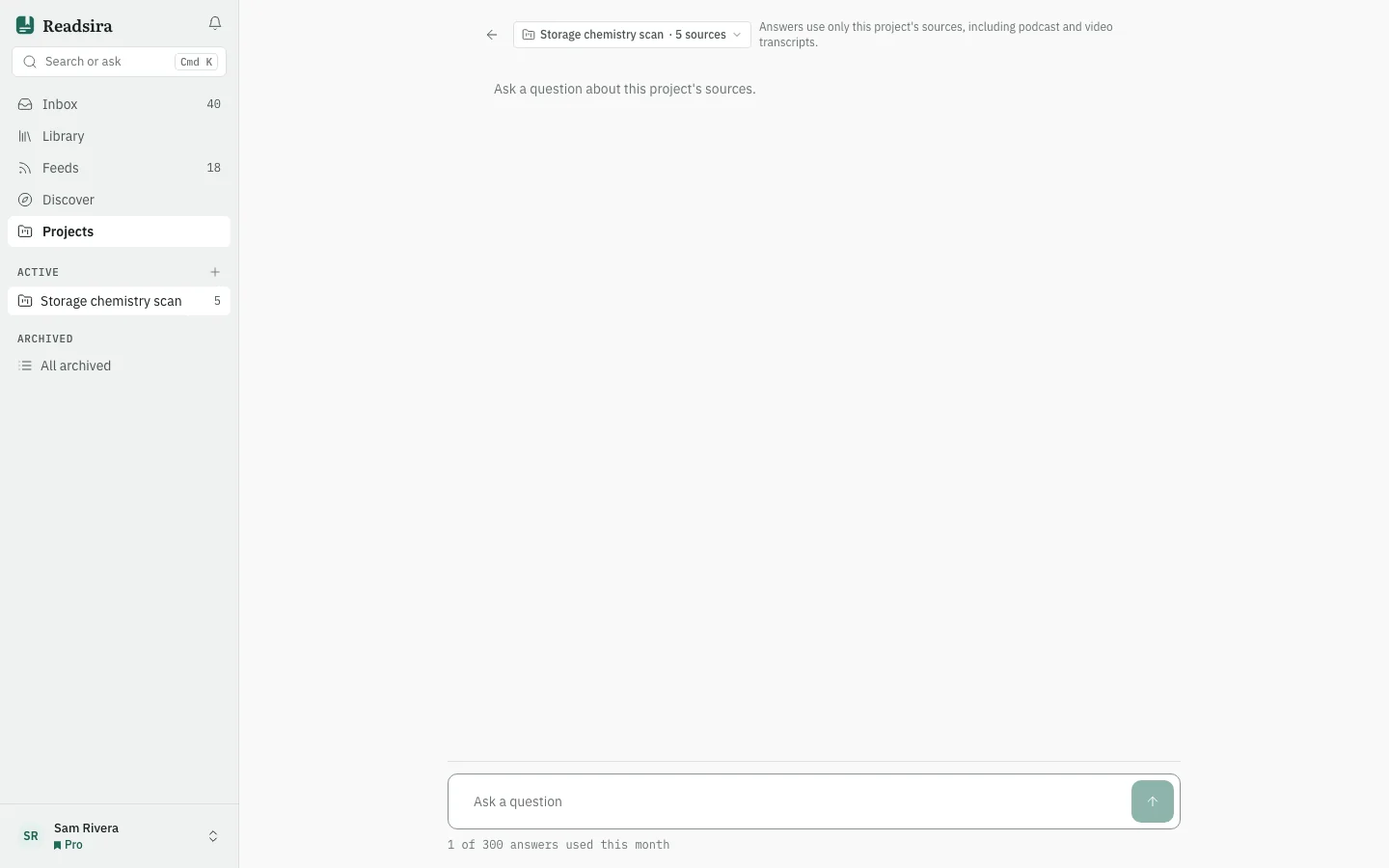
Open the project and choose the tab Ask, or press Ask this project in the project header.
-
Write your question and press Send. Stop ends the answer early.
-
Read the answer and its sources. To ask a follow-up, write it in the same box.
-
To widen the answer to everything you saved, switch the scope from the project to Whole library. Answers then use your whole library, not only this project.
-
To return to the project, press the arrow at the top left (Back to the project).
Your allowance
The page shows how many answers you used this month and what share of your research allowance is used. On Free the tab shows an upgrade prompt: asking a project comes with Pro and Research.