Daily and weekly digests
Available onProResearch
A digest is a short written summary of your reading period, with highlights and a list of the items it is based on. Past digests stay in an archive grouped by month.
Before you start
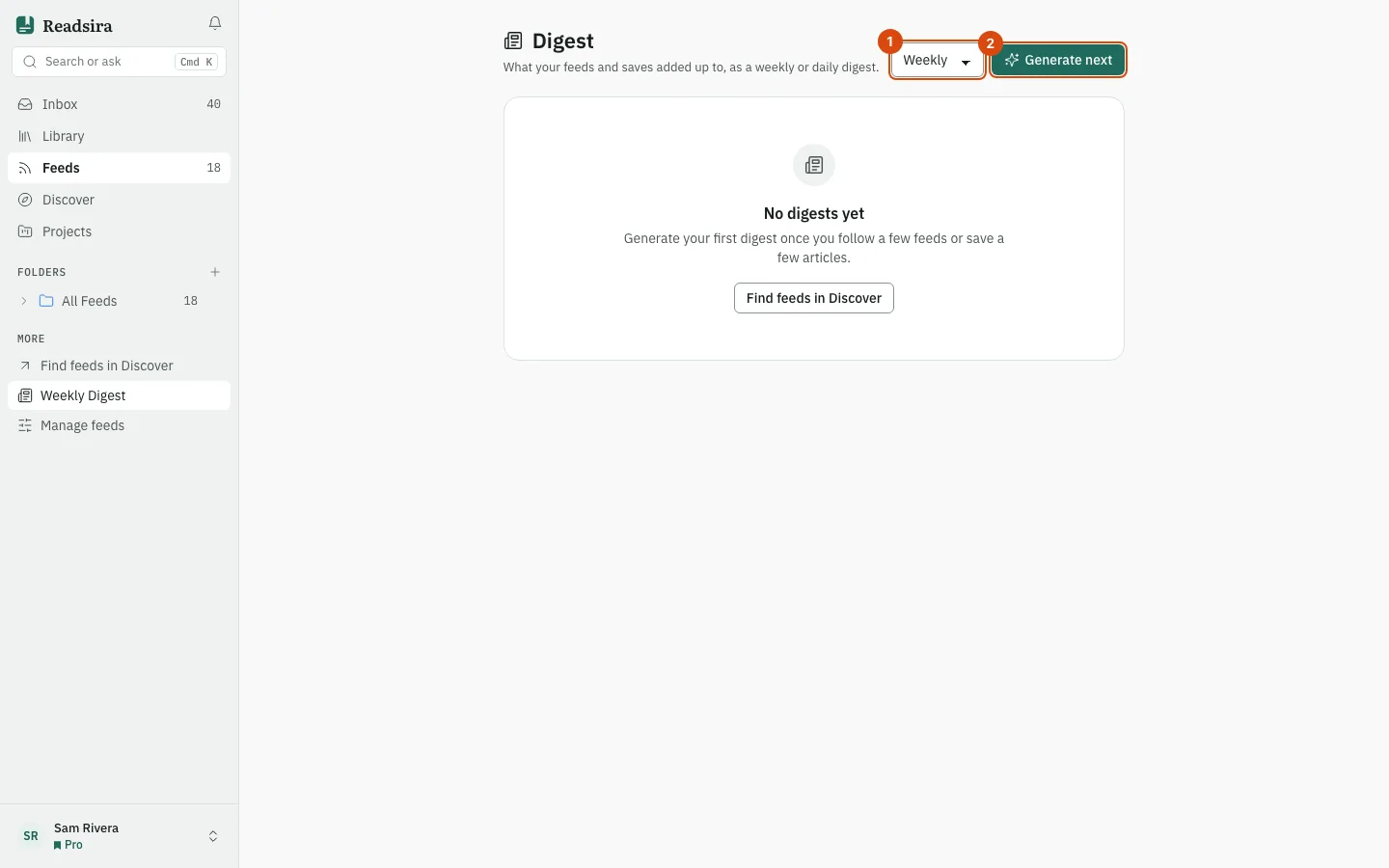
Follow a few feeds or save a few articles first. With nothing to summarise the page shows No digests yet.
Steps
-
Open the search box (Search or ask) and choose Weekly Digest. The same page is also in the sidebar under "More".
-
Choose the period in the menu (Digest period): Daily or Weekly.
-
Press Generate next. The page shows Generating digest… until it is ready.
-
Read the result: the Summary, one or more highlights, and under Curated for you the items the digest is based on. Press Read on an item to open its source in a new tab.
-
To read an earlier digest, find it under Archive and press Open. Use the button at the bottom to show more.
Tips
- Digests on this page are made when you press the button. Digest emails are a separate setting under Notifications, in the card Digest emails.