Saved searches
Available onFreeProResearch
A saved search remembers your words and filters. Readsira can run it again every hour, day or week and show how many new items match.
Steps
-
Run a search and press Save search above the results.
-
Give it a name and confirm. Readsira keeps the words and the filters you had on.
-
Open Library, press More and choose Saved searches to see the list.
-
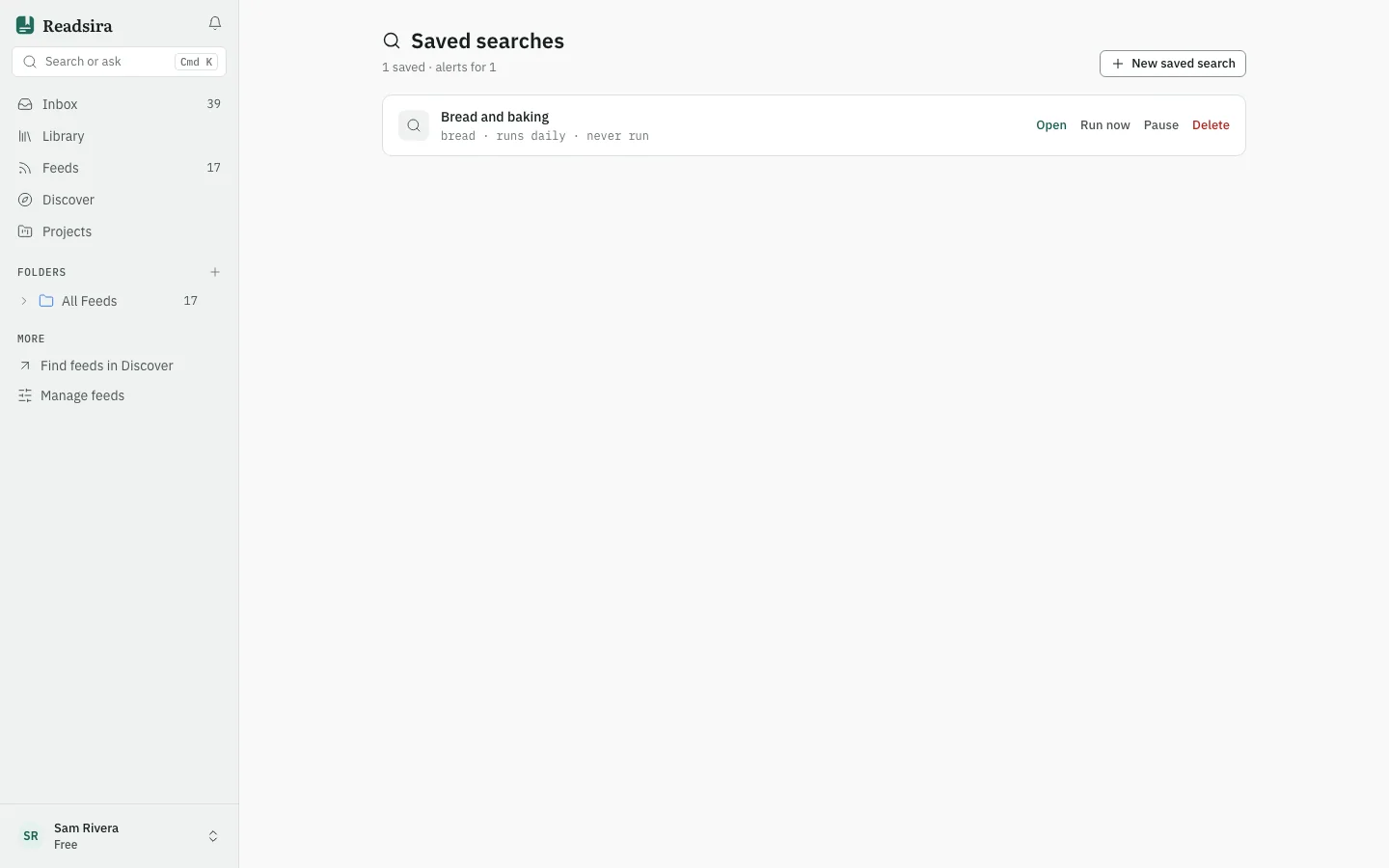
To make one by hand, press New saved search, fill Name and Query, choose how often it runs in Runs (Manual only, Every hour, Every 6 hours, Daily or Weekly), and press Save search.
-
To run a search now, press Run now. To see its results, press Open.
-
To stop a schedule for a while, press Pause. Resume starts it again. Delete removes the search after you confirm.
What the list shows
Each row shows the name, the words, how often it runs, when it last ran and when it last found something. A badge shows how many new matches the last run found. The line at the top counts your saved searches and how many of them run on a schedule.