Trash
Available onFreeProResearch
When you delete a save, it goes to Trash first. You can bring it back for 30 days. After that it is removed for good.
Steps
-
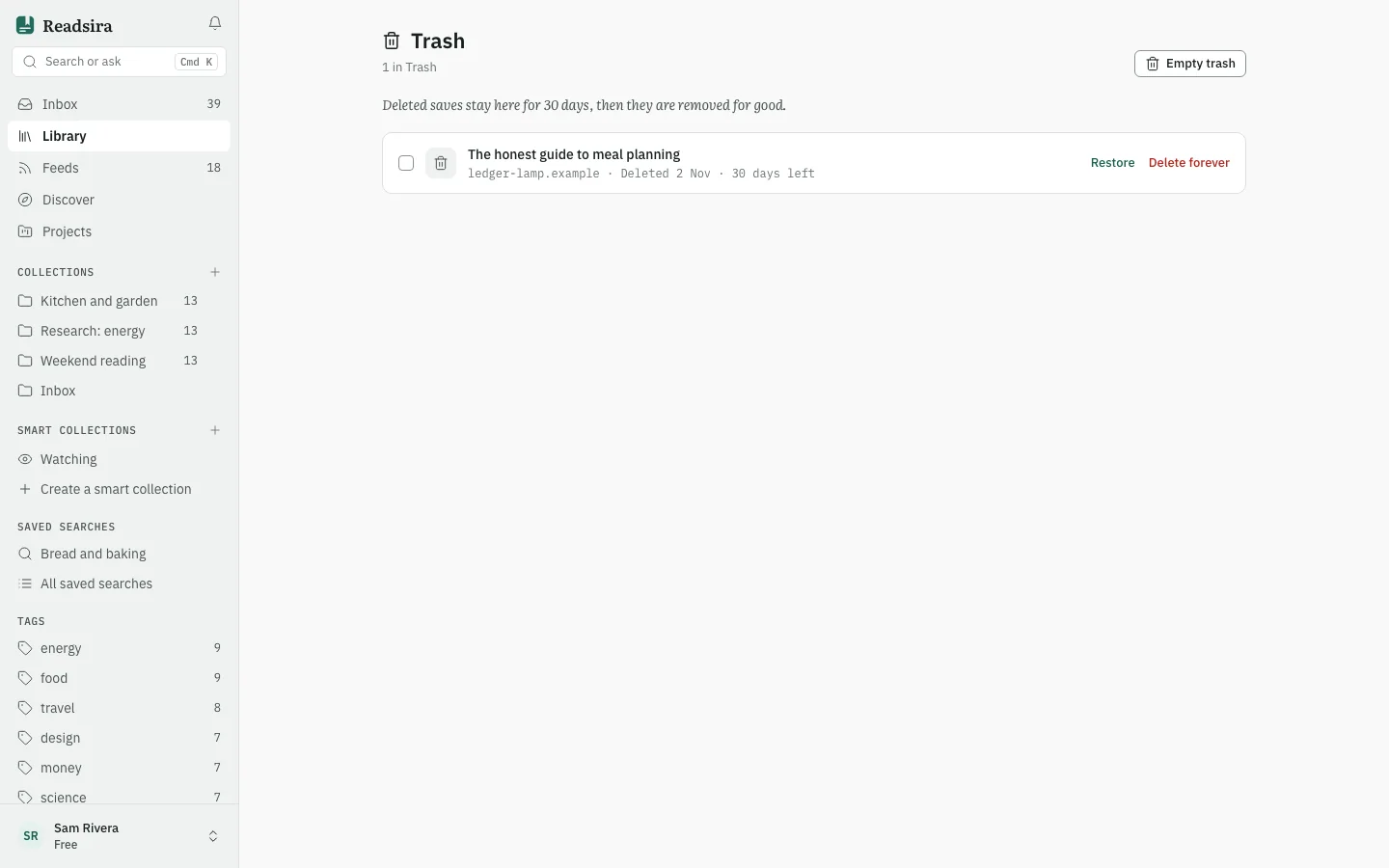
Open Library, press More and choose Trash. A number next to it shows how many items are waiting.
-
Each row shows when the item was deleted and how many days are left.
-
To bring an item back, press Restore. It returns to your library with its highlights and notes. If its collection no longer exists, it is restored to your Inbox instead.
-
If you saved the same address again in the meantime, the item is already in your library. It stays in Trash and Readsira tells you so.
-
To remove one item for good, press Delete forever and confirm. Its highlights and notes go with it, and this cannot be undone.
-
To remove everything, press Empty trash and confirm.
Tips
- Just after you delete something, a message offers Undo.
- You can also select several rows and restore or delete them together.
- Trash works the same on every plan.